Connect the pages that matter so customers and search engines can move through the website with purpose.
Patrick SEO Content & Website Solutions reviews and improves internal links for local business websites. The work can connect the homepage, services, cities, airports, routes, fleets, projects, blogs, FAQs, trust pages, and contact sections into a clearer structure that supports navigation, topical relationships, and conversion paths.
Link related pages according to their role—not simply because a keyword appears.
Useful internal links help visitors understand what to read next and help the website show which pages belong together.
Strong pages can remain isolated when the website does not connect them properly.
A local business website may have useful service pages, location pages, blogs, project examples, airport pages, fleet pages, and FAQs, but weak internal links can make the site difficult to navigate and harder to understand as a complete system. Internal linking turns separate pages into a structured customer journey.
Many websites either link too little or link without a clear strategy.
The review checks whether important pages are discoverable, whether related pages support one another, and whether visitors can move toward the correct action without getting lost.
Orphaned Pages
Important service, city, airport, route, fleet, or article pages may exist but receive few or no meaningful internal links.
Homepage-Only Linking
The homepage may link to everything while detailed pages fail to connect naturally to one another.
Generic Anchor Text
Links may rely heavily on “learn more,” “click here,” or repeated exact-match phrases instead of clear, natural descriptions.
Blog Traffic Without a Next Step
Informational articles may answer questions but fail to guide readers toward the relevant service, location, quote, or contact page.
Disconnected City Pages
Location pages may not link to the services available there, nearby areas, regional hubs, projects, routes, or local proof.
Broken or Outdated Links
Old URLs, changed slugs, deleted pages, temporary links, and outdated buttons can interrupt navigation and weaken the page system.
A structured review of how important pages support one another.
The exact scope depends on page count, website type, current architecture, available content, link condition, target services, location coverage, and whether implementation is included.
Not every page should link to every other page.
The strongest internal links follow the website hierarchy and customer journey. Broad pages organize detailed pages, detailed pages support related services and locations, and informational content points toward the correct commercial destination.
Move from broad intent to detailed proof and then to action.
The exact path changes by business, but the website should make the next useful page easy to find.
Different local businesses require different page relationships.
The linking plan should reflect the business model, customer journey, page architecture, and conversion action.
Limo & Transportation
Connect services, airports, routes, pickup cities, destinations, fleet pages, passenger guidance, reviews, case studies, and quote forms.
Contractors & Home Services
Connect services, materials, project types, cities, completed work, maintenance articles, estimate pages, and customer preparation content.
Service-Area Businesses
Connect core services, priority cities, nearby areas, regional hubs, routes, local proof, FAQs, and qualified inquiry forms.
Professional Services
Connect practice or service pages, industries, locations, process, qualifications, case studies, resources, consultations, and contact pages.
Emergency Services
Connect urgent service pages, warning signs, immediate actions, service areas, availability, safety guidance, and direct call pathways.
Multi-Service Local Websites
Use hubs and related-service sections to prevent large menus from becoming the only way visitors can discover important pages.
Examples of websites with connected service, location, airport, fleet, and trust content.
These examples demonstrate page hierarchy and internal-link relationships. They are not presented as unsupported ranking, traffic, lead, or revenue claims.
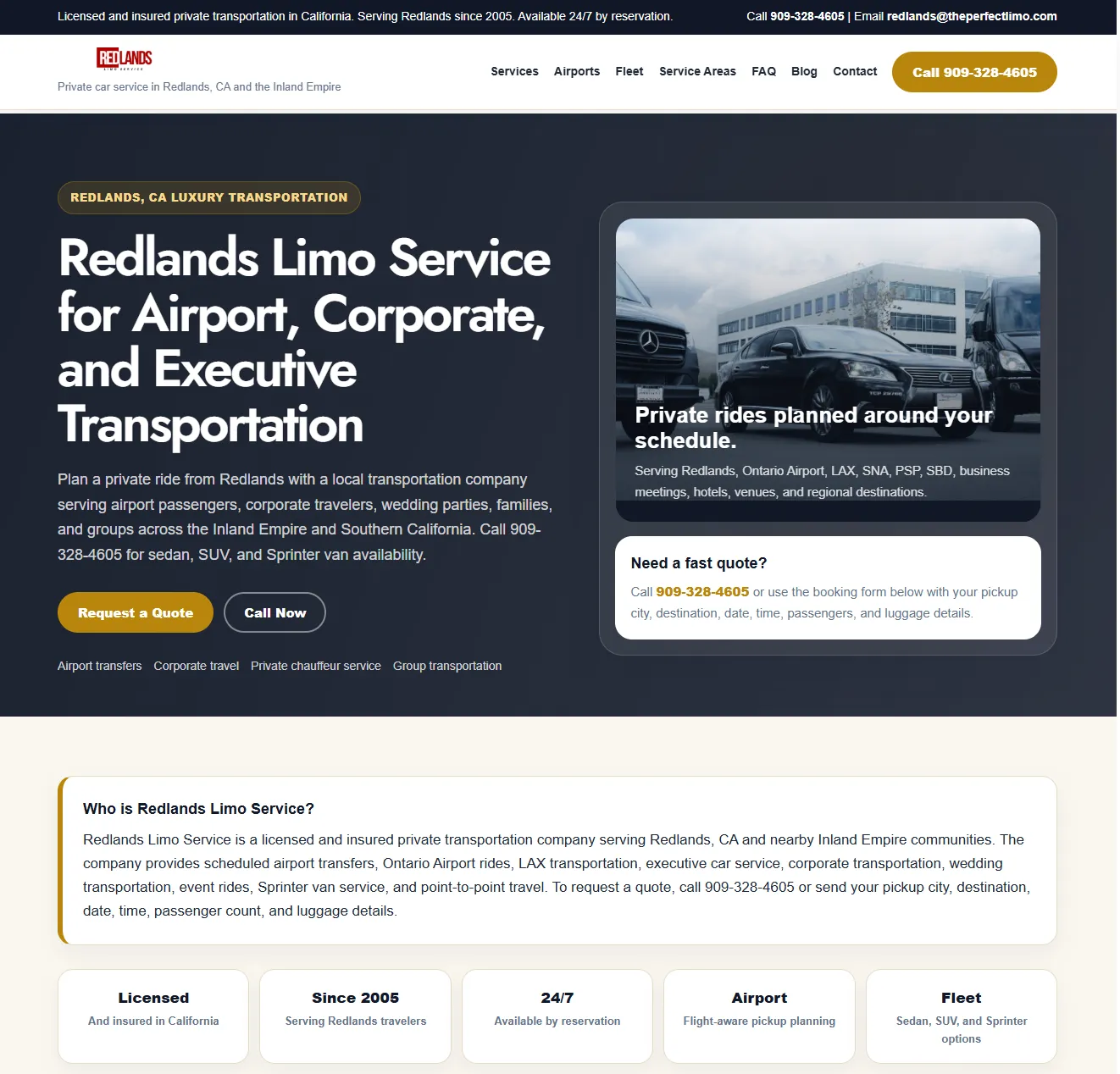
Redlands Limo Service
Connected homepage, services, airports, fleet, city pages, trust content, forms, and quote pathways.
View Detailed Case Study →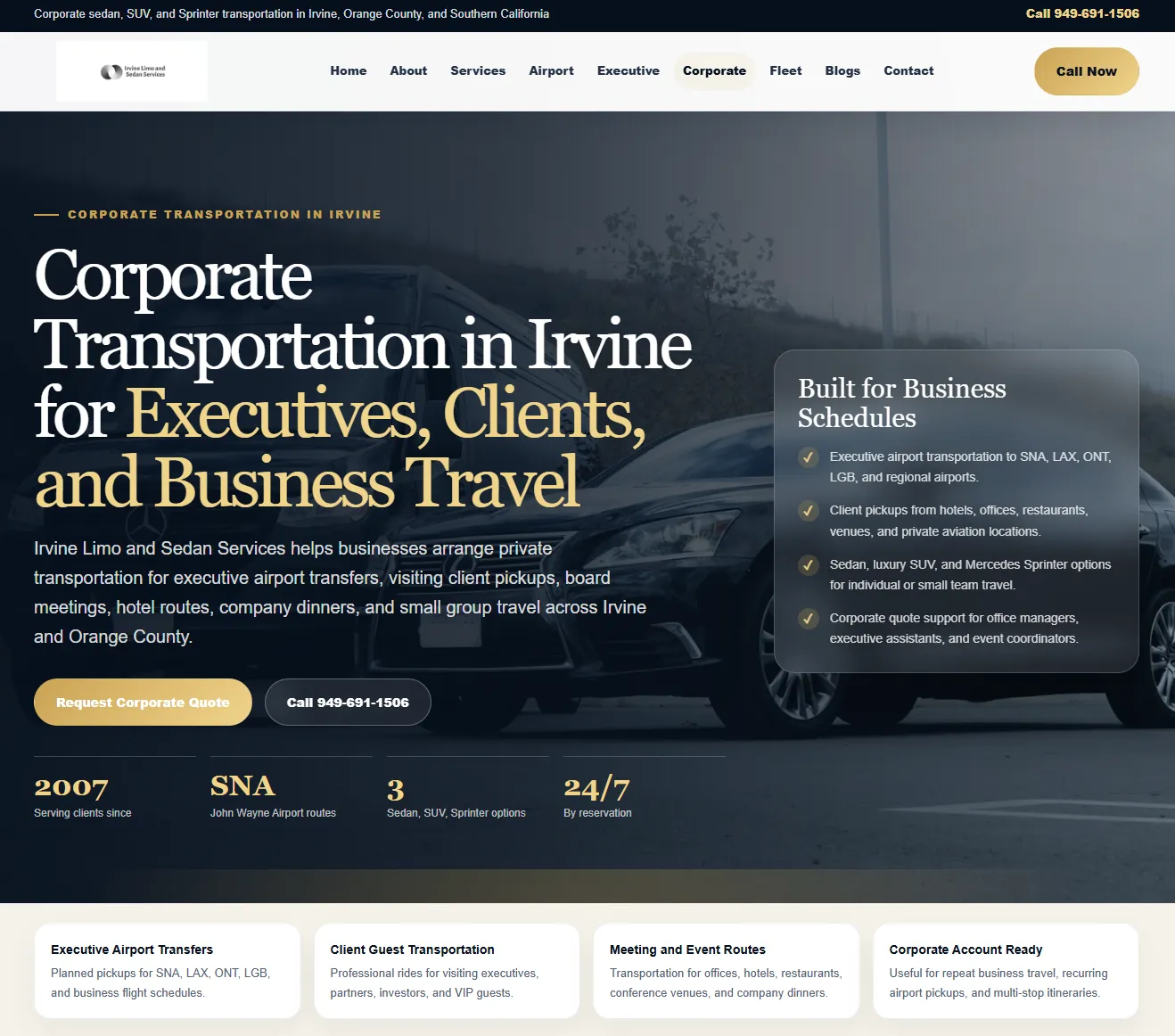
Irvine Limo and Sedan Services
Service, fleet, airport, local, trust, and contact pages organized into a clearer transportation website hierarchy.
View Live Website →Wylie Concrete Kings
Residential and commercial service pages connected to local coverage, forms, legal pages, contact pathways, and supporting navigation.
View Live Website →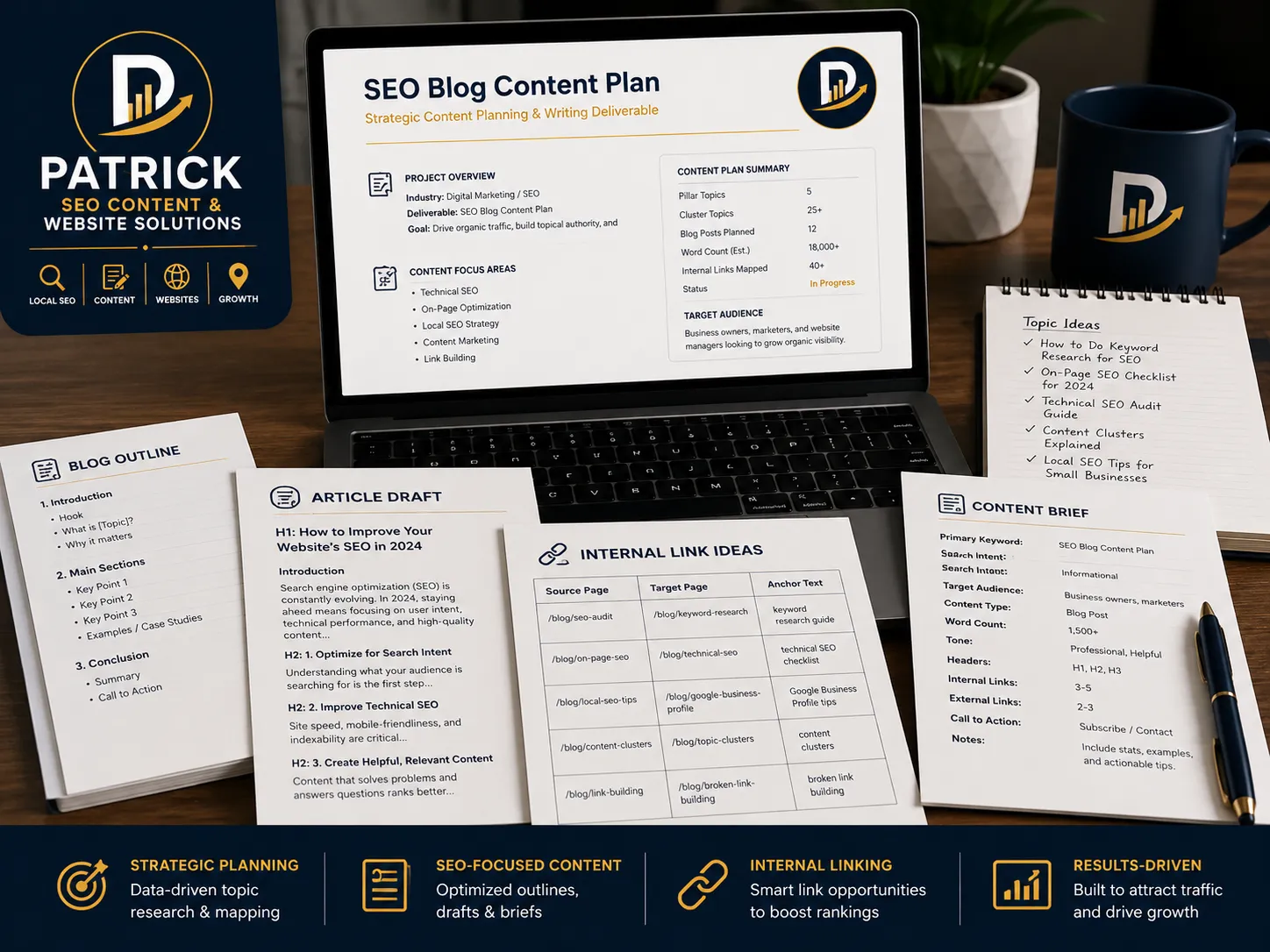
Content & Link Planning
Supporting articles, FAQs, location pages, and trust content mapped back to priority service and conversion pages.
View Local SEO Content →Clear link recommendations tied to specific pages and customer pathways.
The service can be delivered as a review, link map, implementation project, or part of a wider website audit and content plan.
Important hubs, services, locations, articles, proof pages, and conversion pages organized by role.
Source page, destination page, suggested context, anchor guidance, purpose, and priority.
Missing links, outdated URLs, disconnected pages, repeated anchors, and navigation gaps.
Links added, pages updated, destination URLs checked, unresolved issues, and recommended next actions.
A controlled workflow from page inventory to verified live links.
The process begins with the actual page structure and business priorities—not a fixed number of links added to every page.
Inventory
Review the priority pages, existing links, navigation, hubs, orphaned pages, broken links, and conversion pathways.
Map
Define the relationship between services, locations, articles, proof, hubs, and customer action pages.
Recommend or Implement
Prepare source and destination recommendations or add approved links directly when access and scope permit.
Verify
Check destination URLs, page context, anchor text, mobile behavior, broken links, and the completed-work record.
Internal links should improve understanding—not manufacture relevance.
Links should be placed where the destination page genuinely helps the visitor. The service avoids excessive exact-match anchors, irrelevant cross-linking, links to unsupported locations, and links added only to increase the count.
Internal linking can improve structure and navigation, but it cannot guarantee rankings or leads.
Results also depend on page quality, competition, authority, reviews, website condition, demand, technical performance, and search-engine systems. The service focuses on making the page relationships clearer, more useful, and easier to navigate.
Questions about internal linking services.
What is an internal linking service?
An internal linking service reviews and improves links between pages on the same website. It can connect hubs, services, locations, articles, projects, FAQs, trust pages, and contact pathways according to their real relationship.
How many internal links should a page have?
There is no fixed number that fits every page. A page should include enough useful links to support navigation and related topics without becoming cluttered or forcing irrelevant destinations.
What is an orphaned page?
An orphaned page is a page that receives few or no meaningful internal links from the rest of the website. It may be difficult for visitors and search engines to discover through the normal site structure.
Should every blog post link to a service page?
A blog post should link to a service page when that page is the natural next step for the reader. Some articles may link first to a guide, FAQ, location, project, or related article before the commercial action.
Can city pages link to one another?
Yes, when nearby areas, regional coverage, routes, or customer needs make the relationship useful. City pages should also link to the services available there and to relevant regional or contact pages.
Does anchor text need to match the exact keyword?
No. Anchor text should naturally describe the destination page. Repeating the same exact-match phrase excessively can make the content awkward and less useful.
Can you add the links directly to my website?
Yes, implementation can be included when the required website access, page editor, approved link map, and scope are available. The live links should be checked after publication.
Does internal linking guarantee higher rankings?
No. Internal linking can improve website structure, page discovery, context, navigation, and conversion paths, but rankings depend on many additional content, technical, competitive, reputational, and authority factors.
Have useful pages that are not connected clearly?
Send the website, priority services, locations, articles, case studies, and conversion pages. Patrick can review the current structure, identify orphaned and underlinked pages, map useful relationships, and recommend or implement the highest-priority internal links.